

Is Data Labeling an unsung hero for your AI Strategy?
The excitement surrounding Microsoft 365 Copilot is undeniable. It promises to summarize our marathon meetings, draft our complex proposals, and find that one PowerPoint slide buried in a 2022 archives folder. But for many IT leaders, that last part, the “finding”, is exactly what keeps them up at night.
The Conflict: The "Redline" Problem
Imagine a junior associate asking Copilot, “What are the current project budget overruns?” or “Summarize the recent leadership discussion on salary adjustments.” Hoards for internal documents summarized, consumed, and maybe shared. If your internal permissions are loose, a common reality in the “just get it shared” culture of modern work, Copilot will dutifully answer.
It is not “hacking” your system; it is simply using the permissions you’ve already granted. We call this the Redline Problem: the moment your AI crosses the line from a productivity booster to an unintentional whistleblower.
The Purview Solution: Your AI’s Guardrails
To prevent the Redline Problem, we look to Microsoft Purview. Think of Purview not as a “compliance tool,” but as the operating manual for your AI. It uses two primary mechanisms to keep Copilot in check:
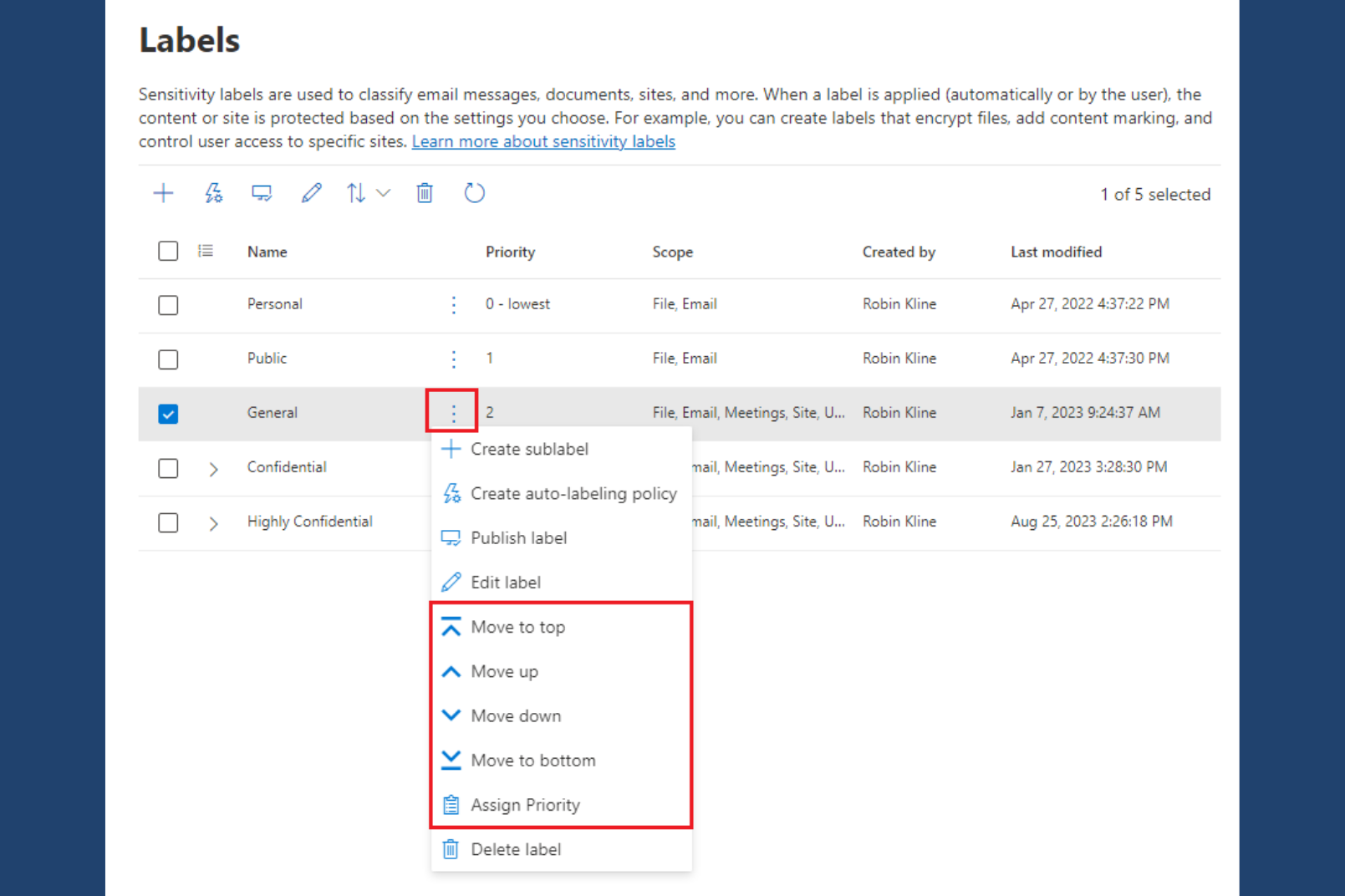
Sensitivity Labels
These are digital "tags" (e.g., Confidential, Highly Confidential, Public) that follow a file wherever it goes. Copilot respects these labels; if a file is labeled "Highly Confidential," you can configure Copilot to never include its contents in a summary for unauthorized users.
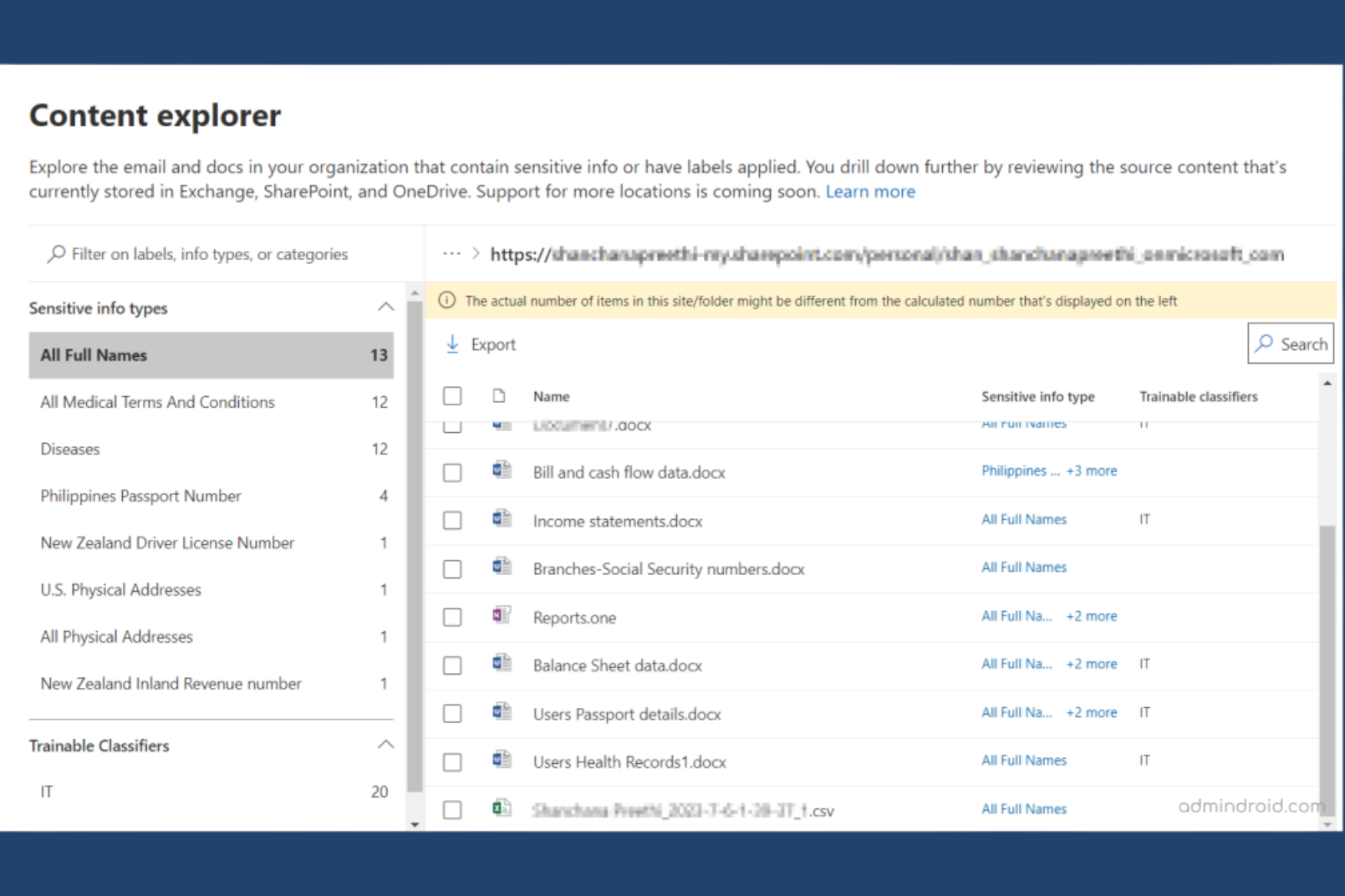
Content Explorer
This is your bird's-eye view. It allows you to see exactly where sensitive data (like credit card numbers, SSNs, or proprietary project names) is hiding across your entire M365 estate.
The Three Pillars of AI Readiness
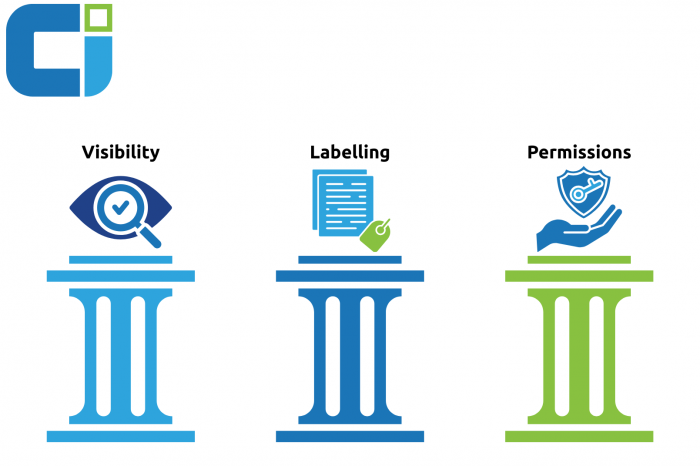
Before you flip the switch on Copilot, every organization should move through these three phases:
1. Visibility: Finding the "Crown Jewels"
You cannot protect what you cannot see. The first step is running a discovery scan to identify your most sensitive data. Purview’s Data Map scans your SharePoint sites, OneDrives, and Teams to highlight where your “Crown Jewels” actually live. Are they in a secured vault, or are they sitting in a folder called “General” that every employee can access? Until you answer that question, enabling Copilot is a risk, not a reward.
2. Labelling: From Manual to Auto-Pilot
Relying on employees to manually label every document is a losing game; people forget, rush, or may not always recognize when a document crosses the “Confidential” threshold. To build a trusted foundation for Copilot, we move labeling from a human burden to an automated system. However, “automated” doesn’t have to mean “universal.” Purview allows for a sophisticated, tiered approach to labeling:
- Targeted Auto-Labeling: You can apply specific policies to the areas that need them most. For example, you can set auto-labeling to trigger specifically for your Finance SharePoint sites, HR OneDrive folders, or Executive distribution groups.
- Contextual Recommendations: Instead of a silent background process, you can configure Purview to provide “Policy Tips.” If an employee types a sensitive project name or a credit card number, a small prompt appears suggesting the correct label. This educates the user in real-time without slowing them down.
- Tenant-Wide Intelligence: For broader protection, machine learning can identify sensitive patterns across your entire M365 estate.
The CI Strategy: We recommend a “Crawl, Walk, Run” approach. We often start by limiting the scope of auto-labeling to high-risk departments. This gives the system time to “learn” and ensures the logic is airtight before expanding tenant-wide. This phased rollout ensures your “Copilot Control System” is built on precision, not just automation.
3. Permission Hygiene: The "Everyone" Cleanup
The biggest threat to AI safety is not a hacker; it is the “Shared with Everyone“ link. Over time, these links accumulate quietly, creating a “flat” permission structure where nearly anyone can access nearly anything. Cleaning up overshared content is not glamorous work, but it is the single most impactful step you can take before deploying Copilot.
The Consulting Secret: The 48-Hour Risk Snapshot
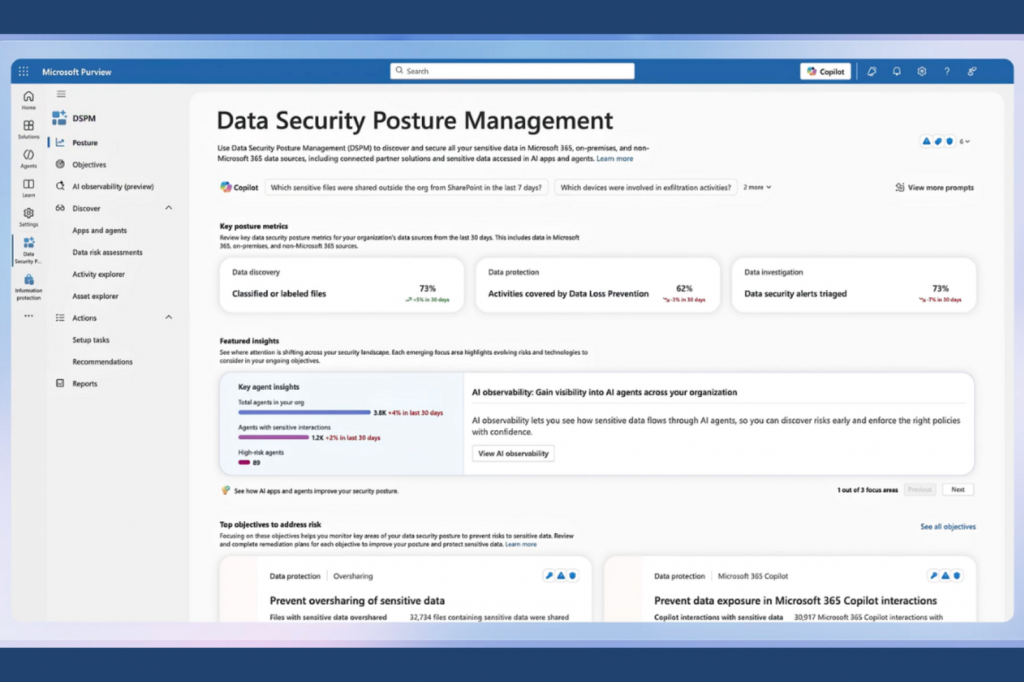
Most organizations assume a Purview audit takes months. It does not have to. Using Purview’s Content Explorer, we can generate a Risk Snapshot in as few as 48 working hours, though timelines typically range from several days to a few weeks depending on your environment’s size, data volume, and complexity. Here is how we do it:
- Configure the Foundation: We enable and configure Microsoft Purview within your Microsoft 365 tenant, ensuring it is properly set to scan your environment from day one.
- Run Discovery and Classification Scans: We execute scans across SharePoint, OneDrive, and Teams to locate and classify sensitive information, surfacing data you may not have known was exposed.
- Deliver the Risk Snapshot: Using the Content Explorer dashboard, we view, filter, and export findings into a clear report that highlights your data exposure and oversharing risks in plain language.
That report reveals:
- Exposure at a Glance: How many documents across your environment contain sensitive PII (Personally Identifiable Information), and where exactly do they live.
- Oversharing Hotspots: Which SharePoint sites have the highest risk of unintended data access, ranked by severity.
- A Prioritized Action Plan: A clear list of “Quick Wins” to secure your environment before Copilot deployment, sequenced so you can act immediately on the highest-impact items first.
The goal is not a perfect environment overnight. It is knowing exactly where you stand so you can move with speed and confidence.
How Collective Intelligence Can Help
There’s a significant gap between buying the Copilot license and deploying it with confidence. Most organizations discover that gap the hard way. At Collective Intelligence, we bridge it, combining Microsoft’s Responsible AI principles with hands-on governance expertise built from real-world deployments.
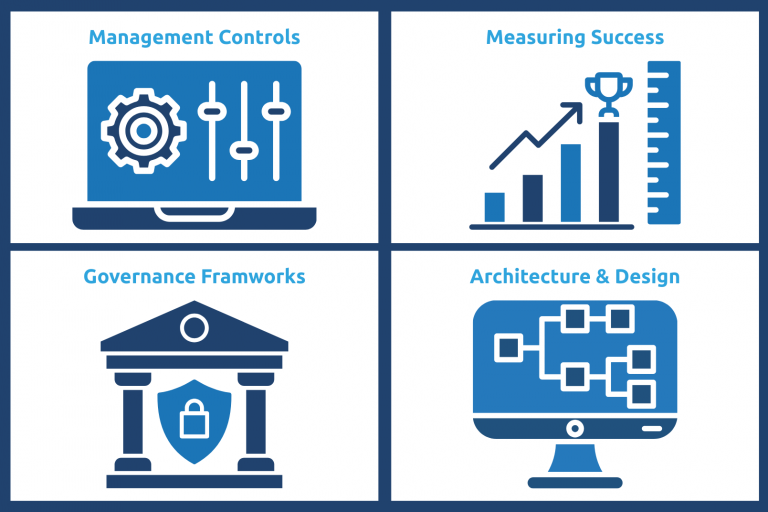
Our Copilot Readiness Engagement is not a technical checklist. It is a strategic alignment that moves your organization from risk to ROI across four interconnected workstreams:
- Management Controls: Defining the configuration guardrails and identity access controls that prevent data leakage. This includes establishing role-based access policies, reviewing external sharing settings, and implementing the technical controls that enforce your governance decisions in practice not just on paper.
- Measuring Success: Deploying analytics and auditing frameworks to monitor adoption, assess compliance, and demonstrate ROI through actionable KPIs. Because “we deployed Copilot” is not a business outcome, “we reduced manual reporting time by 40%” is.
- Strategic Governance Frameworks: Either by identifying the key stakeholders, or by establishing an “AI Council”, we help you define management guardrails, to ensure accountability and transparency as your AI use cases evolve. Governance is not a constraint on innovation, it is the foundation that makes sustainable innovation possible.
- SharePoint Architecture & Design: Designing metadata structures and sensitivity labels that support intelligent search while maintaining strict security boundaries. A well-architected SharePoint environment does not just protect your data, it makes Copilot dramatically more accurate and useful.
Conclusion: Turning Risk into Your Competitive Advantage
The “Copilot Ready” audit is not about slowing down your AI adoption. It is about ensuring that when you move, you move at full speed, without fear. In the modern enterprise, data is your most valuable asset, but unprotected data is your greatest liability.
Think of AI as a powerful guest in your digital house. Purview is the security system that ensures it stays in the living room and out of the private safe. By building visibility, automating labeling, and enforcing permission hygiene, you are not just checking a compliance box, you are building the secure foundation that next-generation productivity requires.
At Collective Intelligence, we believe that AI readiness is a journey of precision, not just permission. We help you move past the “Redline Problem” by aligning your technical environment with your organization’s unique risk profile and governance needs.
Don’t wait for an accidental disclosure to find out where your sensitive data lives.
Ready to see your Risk Snapshot? Contact the Collective Intelligence team today for a rapid discovery engagement. Let us ensure that when your team asks Copilot for help, the answers stay exactly where they belong.